Press your transfers
How we press DTF transfers in our own shop.
ADN Learn · Unit 1: Order your first transfers · Lesson 10 of 10
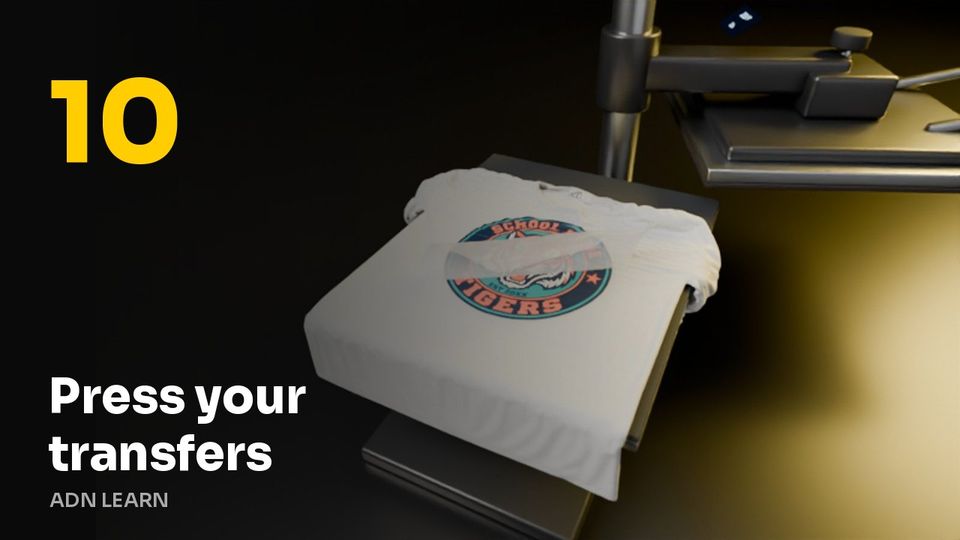 Video coming soon
- 285°F
- 12 s
- Medium
- Hot
The steps
- Set the press to 285°F and 12 seconds, at medium pressure.
- Lay the transfer on the shirt where you want it.
- Close the press and let it run the full 12 seconds.
- Peel it hot, in one smooth pull.
- For polyester or blends, turn the heat down a little and peel cold. A cold peel is always safe.
- Wait a day before the first wash, inside out, in cold water.
Quick check
You are pressing a poly blend shirt. What changes?
Right. Blends do better a little cooler, and a cold peel is always safe.
Not quite. Try another answer.
All lessons in this unit
- Welcome: how ordering works here
- Upload your art and set the size
- Clean up your file: backgrounds and blurry art
- Make a design with AI Design
- Start from a ready-made design
- Many designs, one order
- Check out: shipping, pickup and paying
- Your files, reorders and order status
- Order with your AI
- Press your transfers
Stuck? Call 888-352-1624. Real people answer.